
Understanding Why Back Pain Persists At Your Standing Workstation
Adopting a height adjustable desk is a common strategy to combat the risks of sedentary work, yet many professionals find their back pain persists or even worsens. This irony often stems from replacing prolonged sitting with static, unmoving standing. Research published in the Journal of Applied Biomechanics reveals that nearly 40 percent of users who stand for longer than two hours at a time develop lower back discomfort.
The primary culprit is rarely equipment failure, but rather user error. Standing in a single, locked position causes the body to experience static loading, which strains the lumbar muscles and joints. As noted by the Canadian Centre for Occupational Health and Safety, the key to wellness is not merely standing, but frequently alternating between sitting, standing, and walking throughout the day.
Transitioning to a healthier workday requires deliberate ergonomic refinement. When setting up a sit-stand workstation, ensure your monitor is at eye level to prevent neck strain and keep your elbows at a 90-degree angle. Experts at UT Southwestern Medical Center emphasize that a gradual transition, paired with supportive footwear or an anti-fatigue mat, allows the musculoskeletal system to adapt. By focusing on neutral spine alignment rather than just standing itself, you can finally unlock the true physical benefits of your workspace investment.
The Strategic Physical Advantages of Height Adjustable Desks
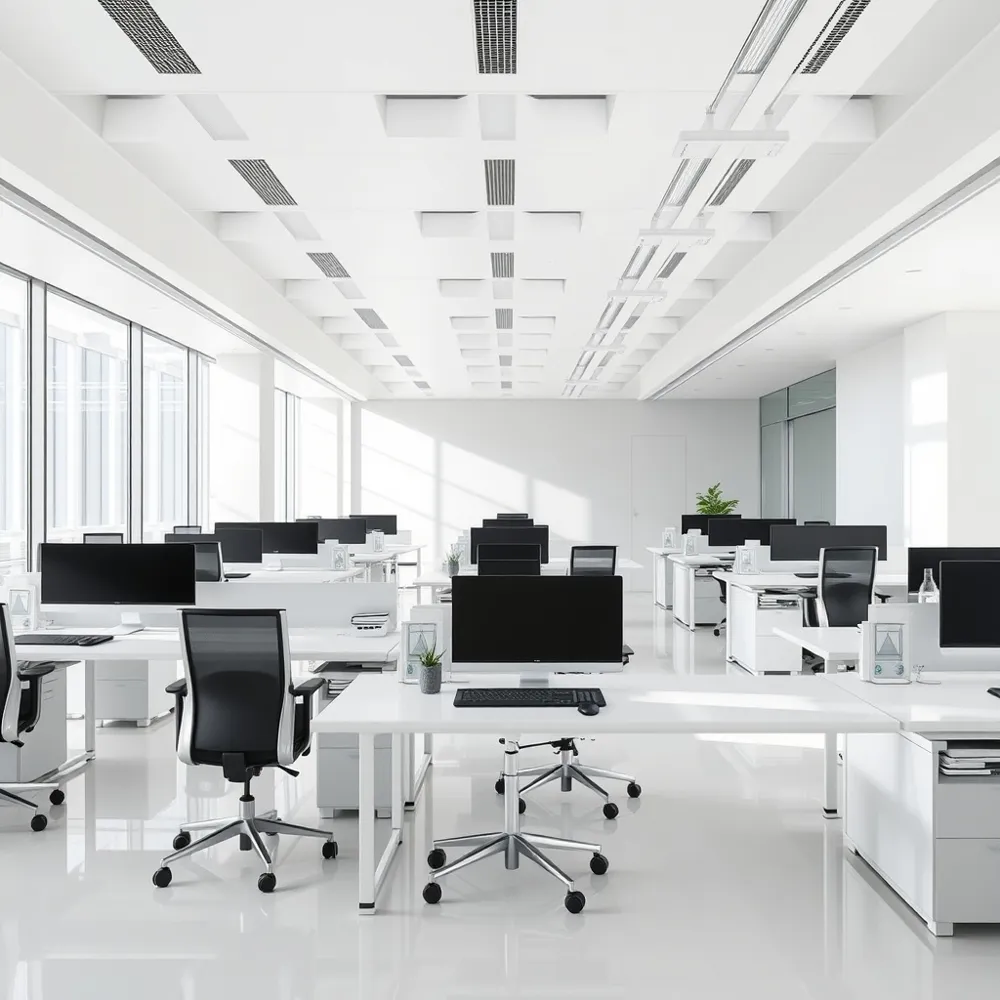
Incorporating a height adjustable desk into your workspace allows employees to alternate between sitting and standing, which significantly reduces the physical discomfort often associated with sedentary work, such as back, shoulder, and neck pain. By promoting movement throughout the day, these workstations help lower the health risks linked to prolonged sitting while simultaneously boosting energy levels and overall productivity. Beyond physical wellness, they offer staff greater control over their environment, fostering a more agile and dynamic workplace culture. Embracing this flexible approach helps businesses align with modern wellbeing standards, demonstrating a clear commitment to a healthier team. Ultimately, investing in a height adjustable desk is a proactive step toward creating a more comfortable, adaptable, and efficient office for everyone.
Correcting Spinal Pressure and Muscle Engagement
Prolonged sitting at traditional workstations naturally increases pressure on lumbar discs by 40 to 90 percent compared to standing. By contrast, a height adjustable desk solution from That's My Office allows your team to break these static cycles. The ability to shift positions frequently helps redistribute weight, engaging core, glute, and leg muscles that frequently atrophy during long hours stuck in a chair.That's My Office provides expert ergonomic guidance and tools that ensure these desks are used effectively. Our offerings are designed to integrate seamlessly with modern workplace requirements, ensuring that the physical benefits for employees translate directly into lower absenteeism and higher workplace satisfaction. Providing your staff with these tools is a measurable investment, and research suggests that ergonomic interventions can offer a strong return on investment due to enhanced productivity and reduced health-related leave.
| Feature | Static Desk | Height Adjustable Desk |
|---|---|---|
| Spinal Impact | High compression | Reduced pressure |
| Muscle Activity | Minimal | Increased engagement |
| Circulation | Often restricted | Improved by movement |
The Danger of Static Loading and Prolonged Standing
The Danger of Staying in One Position for Too Long
While a height adjustable desk is an excellent tool for reducing sedentary behaviour, simply swapping prolonged sitting for prolonged standing is not the answer. Standing continuously for hours can lead to physical fatigue and muscle strain just as severe as those caused by prolonged stationary work, as highlighted in a 2018 study in the Journal of Applied Biomechanics. Staying in one fixed position without relief causes tension to build in the lower back, hips, and knees.
To maximise your health outcomes, you must avoid locking your knees or shifting all your weight onto one hip, as these postures misalign the spine and increase pressure on lumbar discs. That's My Office solutions are engineered to support fluid transitions, encouraging the mindset that your best position is always your next position. By treating movement as a required workplace activity rather than an occasional option, you prevent the stiffness that accumulates during rigid, uninterrupted standing sessions.
- Rotate between sitting and standing every 30 to 60 minutes to sustain ergonomic comfort.
- Adopt a neutral standing posture with knees slightly unlocked, shoulders back, and your head held high.
- Use active accessories to encourage micro-movements that keep your core and leg muscles engaged throughout the day.
Integrating these habits ensures your workspace supports long-term wellness rather than creating new aches. Beyond just furniture, incorporating tools like a cushioned anti-fatigue mat helps distribute weight and subtly encourages the weight-shifting necessary to maintain blood circulation and spinal health.
Mastering Ergonomic Alignment for Your Sit-Stand Transition
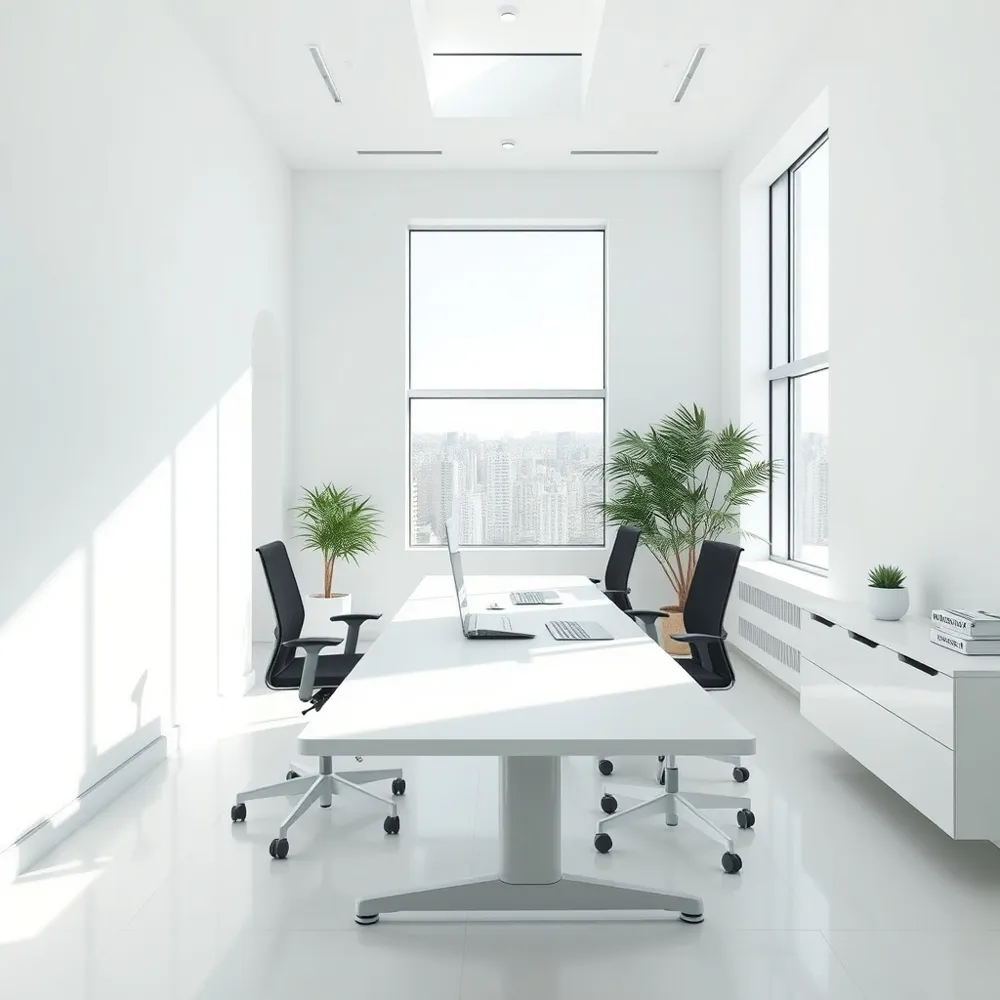
Achieving the full benefits of a height adjustable desk requires more than simply changing your vertical position. To effectively reduce musculoskeletal strain, you must maintain a neutral posture, whether sitting or standing. When transitioning to a standing state, the desk surface should be adjusted to elbow height. Aim to keep your elbows at a 90 to 110-degree angle, ensuring your forearms remain parallel to the floor instead of reaching upward or hunching down.
Monitor placement is equally critical to prevent the forward-head posture often called 'turtling.' Position your screen between 16 and 24 inches from your eyes, with the top of the monitor aligned at or slightly below eye level. Using monitor arms allows for independent adjustments that protect your cervical spine and maintain proper depth as outlined by health experts. This alignment naturally encourages your shoulders to remain relaxed and back, reducing the tension that often builds up during extended periods of focus.
- Keep your head back and hips upright to maintain a healthy 'S' curve in the spine.
- CCOHS ergonomics guidelines suggest keeping your head level and shoulders relaxed to minimize joint stress.
- Use an external keyboard and mouse when working with laptops to ensure your wrist position remains neutral.
- Shift your weight frequently rather than locking your knees, which can help prevent fatigue and improve comfort.
Essential Accessories for Comfort and Sustained Productivity
Maximizing the ergonomic benefits of your height adjustable desk depends heavily on the tools you use to support your body. Standing on hard office surfaces without cushioning can lead to accelerated foot fatigue and joint strain, which often forces users to return to a seated position prematurely. A high-quality anti-fatigue mat acts as an essential buffer, encouraging subtle micro-movements that promote blood flow while reducing direct pressure on the spine and lower extremities.
Visual comfort is equally critical when transitioning between heights. When your monitor is at the wrong level, you are likely to experience neck tension, which often leads to poor posture. Dedicated monitor arms allow you to maintain an upright, natural neck alignment by keeping your screen at exactly eye level. That's My Office emphasizes that these components are not mere luxury items but necessary elements of an ergonomic workspace that allow for independent adjustment of screen and keyboard placement.
Footwear remains the final overlooked component of a productive sit-stand routine. According to guidelines from the Canadian Centre for Occupational Health and Safety, standing for long durations requires supportive footwear that provides stability. Flat-soled shoes or heels can exacerbate weight distribution issues, leading to aches that discourage employees from using their height adjustable desk to its full potential.
Determining the Right Solution For Your Workspace Needs
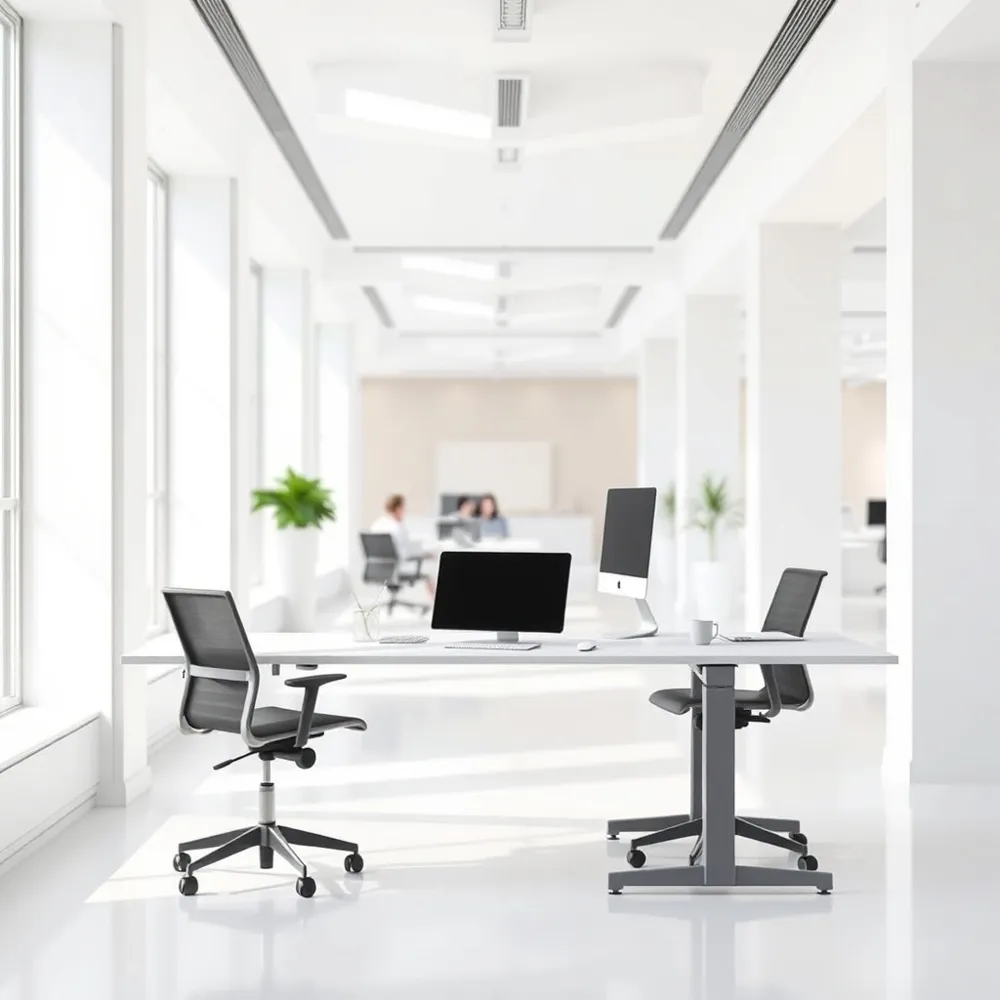
Selecting a height adjustable desk requires more than matching a budget. Facilities managers must prioritize team-specific ergonomic requirements to ensure long-term health benefits. This begins with evaluating workstation features that promote stable alignment of the head, neck, and wrists, such as adjustable monitor arms or precise height-memory settings. When selecting equipment for a height adjustable desk transition, consider factors like desktop depth and the mechanical reliability of lifting mechanisms.
Balancing shared workstations with individual needs is a common challenge for office planners. Providing That's My Office solutions allows businesses to offer flexibility without compromising on personal ergonomics. For environments where space is premium, implementing a mix of dedicated sit-stand stations and touchdown points can meet diverse requirements effectively. The goal is to move beyond one-size-fits-all furniture toward a modular setup that supports varied activity levels throughout the day.
How can facilities managers determine the best height adjustable desk solution for their team?
To determine the best solution, assessment must include an analysis of how employees interact with their space. You should look for equipment that allows for seamless vertical transitions, as consistency in switching positions is what truly reduces physical strain. You can streamline this selection process by using interactive digital tools, such as the 360-degree views or AR visualisations offered by That's My Office, to preview how different models fit into your specific floor plan before committing to a purchase.
Ultimately, choosing high-quality, adjustable furniture ensures that your workspace remains flexible, productive, and supportive of your team’s health. By leveraging digital previews, managers can avoid costly errors and ensure that the final layout truly addresses the specific ergonomic posture needs of the workforce.
Implementing Flexible Furniture Without Major Refurbishment
Many business leaders assume that improving workplace ergonomics requires an extensive, costly site makeover. The reality is that modern furniture solutions are designed for seamless integration into your existing floor plan. Does integrating sit-stand workstations require major office refurbishment? Not at all. A modular height adjustable desk is built to fit within your current setup, allowing you to upgrade your team's comfort incrementally without causing significant disruption to daily operations.
Rather than attempting a total workspace overhaul, you can adopt a progressive implementation strategy. By identifying high-priority areas first, you spread the investment while ensuring immediate results, such as reduced absenteeism and improved productivity, take hold. Research by Puleio & Zhao (2015) suggests that proper ergonomic interventions can yield a return on investment between 3 and 15 times the initial cost. At That's My Office, we facilitate this through professional space planning and CAD layouts, ensuring every new piece of furniture aligns perfectly with your existing architecture.
This tailored approach ensures that your transition to a more flexible environment is both efficient and stress-free. Whether you are moving toward an agile layout or simply want to provide a height adjustable desk to specific team members struggling with back pain, the process remains manageable. By working with a specialist, you gain the benefit of precision planning that avoids common pitfalls associated with large-scale refits.
Building a Sustainable Habit for Long-Term Spinal Health
Transitioning to a height adjustable desk is not an overnight fix, but a gradual process of physical adaptation. Research shows that starting with short, 30-minute intervals and slowly increasing standing time allows your musculoskeletal system to adjust safely without triggering unnecessary strain.
The success of your new workspace relies on breaking the cycle of static postures. Experts suggest that the healthiest approach is to view your current position as temporary, regularly alternating between sitting, standing, and walking throughout the day. Using accessories like an anti-fatigue mat can provide extra comfort and encourage the micro-movements necessary to keep your muscles engaged.
Keep in mind that while a height adjustable desk is a powerful tool for wellness, it is not a direct substitute for medical treatment. If you experience persistent discomfort or suffer from specific conditions like scoliosis, consult a healthcare professional. By combining a flexible, ergonomic setup with mindful movement, you can build a sustainable routine that supports long-term spinal health.




0 comments